

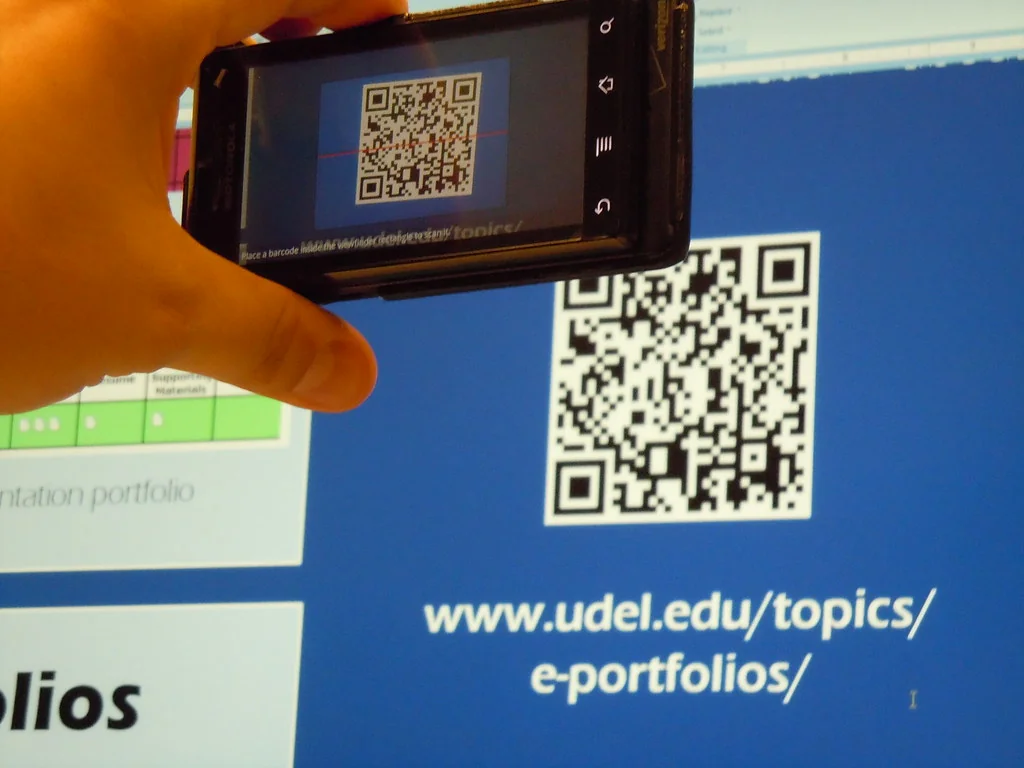
Katamereka Tools – Some QR code websites ask for an email address or a monthly fee before they’ll let you download anything. For a code that just opens a web page, the browser you already use can make one in seconds, free.
This guide covers the built-in QR makers in Google Chrome and Microsoft Edge on a computer, checked against each company’s help pages on October 27, 2026. It also covers what to check before printing one.
QR Codes Are Free to Use
No application or license is needed to use a QR code, according to DENSO WAVE, the company that holds the QR Code trademark, as long as it follows the JIS or ISO standards.
The trademark covers only the words “QR Code,” not the square pattern itself. You can print the image on a flyer without any notice.
Make a QR Code in Google Chrome
Chrome’s generator is tucked inside its share menu, per Google’s Chrome help page.
- Open the page you want to share.
- Click More (the three dots) at the top right.
- Select Cast, save, and share, then Create QR code.
- Download the code, or copy the link.
Say you run a bake sale and want people to reach the order form. Open the form, follow those steps, and drop the image into your poster.
Make a QR Code in Microsoft Edge
Edge puts its generator in the right-click menu, according to Microsoft.
- Open the page.
- Right-click a blank area of it.
- Select Create QR code for this page.
- Download it as a PNG, or share the link.
After the first time, a QR code icon also shows up on the right side of the address bar. Microsoft notes that availability can vary by device, market, and browser version.
Keep the Code Easy to Scan
A QR code holds surprisingly little. DENSO WAVE puts the absolute maximum at about 3 KB, and says phone cameras may handle much less.
That’s why short links scan better. A long tracking URL makes a denser pattern that’s harder to read from a poster. Shorten the link first, using a link shortener you trust, and then test the printed code with two different phones.
Check Before You Print
Scammers use QR codes too, so make yours easy to trust.
The FTC warns that criminals have stuck their own QR codes over real ones, including on parking meters. Print yours where people can see it hasn’t been tampered with, and add the web address underneath in plain text.
The same advice helps when you’re the one scanning. Before opening a link, the FTC says to look at the address for misspellings or swapped letters, and to skip codes in unexpected emails or texts that pressure you to act fast.
A QR code is only a shortcut to a link, so the link itself is what you should double-check.
Komentar Ditutup! Anda tidak dapat mengirimkan komentar pada artikel ini.