

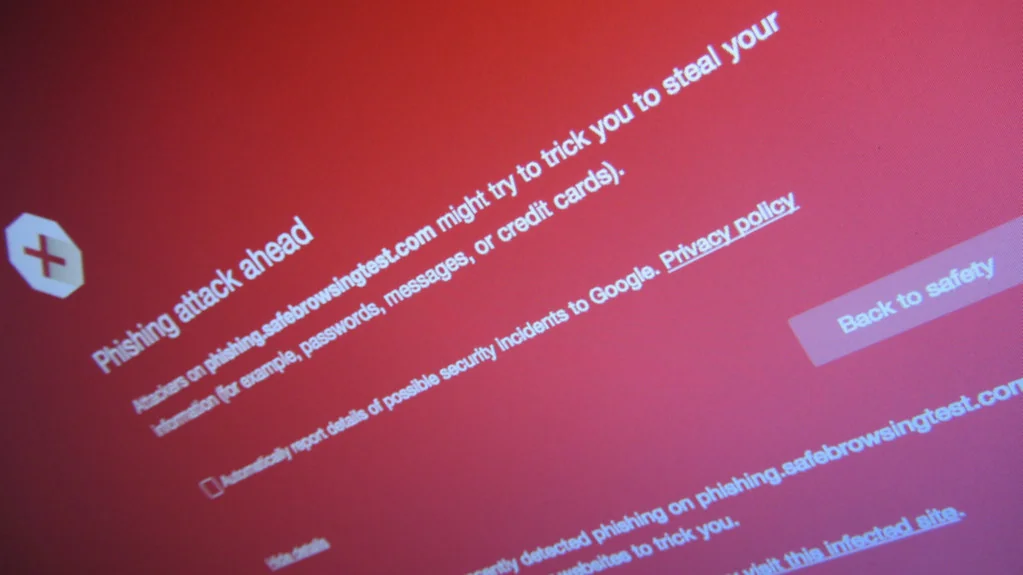
Katamereka Tools – A text says your package is held up, or your bank account is locked, and there’s a link to “fix it now.” The safest way to check that link is to not open it at all: look at it first, then scan it, then go to the company another way.
This guide covers what to look for, two free checking tools, and what to do if you already clicked. It’s based on the FTC‘s phishing guidance, Google’s Chrome help, and VirusTotal‘s documentation, checked October 27, 2026. Reporting steps are for the US, with a note for other countries.
Read the Message Before the Link
The message usually gives the scam away before the link does.
The FTC lists the classic signs. The message is unexpected and seems to come from a company you use, often with a generic greeting.

It claims a problem with your account or a payment, offers a refund or coupon, or pushes you to click to pay.
One rule cuts through most of it. The FTC notes that legitimate companies won’t email or text you a link to update your payment information.
Look Closely at the Address
On a computer, hover over the link without clicking and read the address that appears. On a phone, press and hold the link to preview it.
Watch for misspellings, swapped letters, or a real brand name buried inside a stranger’s address. The FTC flags those same tricks in fake QR codes and links.
Say the text claims to be from your bank, but the address is the bank’s name followed by “-secure-login” and an unfamiliar ending. That’s a different website.
Scan the Link With VirusTotal
VirusTotal checks a web address against more than 70 antivirus scanners and blocklist services, according to its documentation.
- Copy the link without opening it. Press and hold, or right-click, and choose copy.
- Go to virustotal.com and choose the option to check a URL.
- Paste the link and run the scan.
Read the result carefully. VirusTotal notes that individual scanners can wrongly flag a harmless site, so treat the verdict as one signal. A clean result isn’t a guarantee either, since a brand-new scam page may not be on any list yet.
Also mind privacy. VirusTotal shares scan reports publicly and may share submissions with partners, so don’t paste links containing personal details, like a password-reset link.
Turn On Chrome’s Enhanced Protection
Chrome can warn you before a dangerous page loads, per Google‘s Safe Browsing help page.
- Open Chrome and select More > Settings.
- Select Privacy and security, then Security.
- Choose Enhanced protection.
Standard protection only warns about sites already known to be dangerous. Enhanced protection also checks for threats Google hasn’t seen before, and sends more browsing data to Google to do it.
If You Already Clicked
Clicking alone isn’t always a disaster, but act quickly.
- If you typed a password, change it on the real site, plus anywhere else you used it.
- If you shared card or bank details, call your bank using the number on your card.
- If something downloaded, update your security software and run a scan, as the FTC advises.
- In the US, see IdentityTheft.gov if you gave out a Social Security, card, or bank number.
To report, forward scam emails to reportphishing@apwg.org, forward scam texts to 7726 (SPAM), and file at ReportFraud.ftc.gov. Outside the US, report to your bank and your national cybercrime or consumer agency.
When a message is urgent and has a link, open the company’s app or website yourself instead.
Komentar Ditutup! Anda tidak dapat mengirimkan komentar pada artikel ini.