

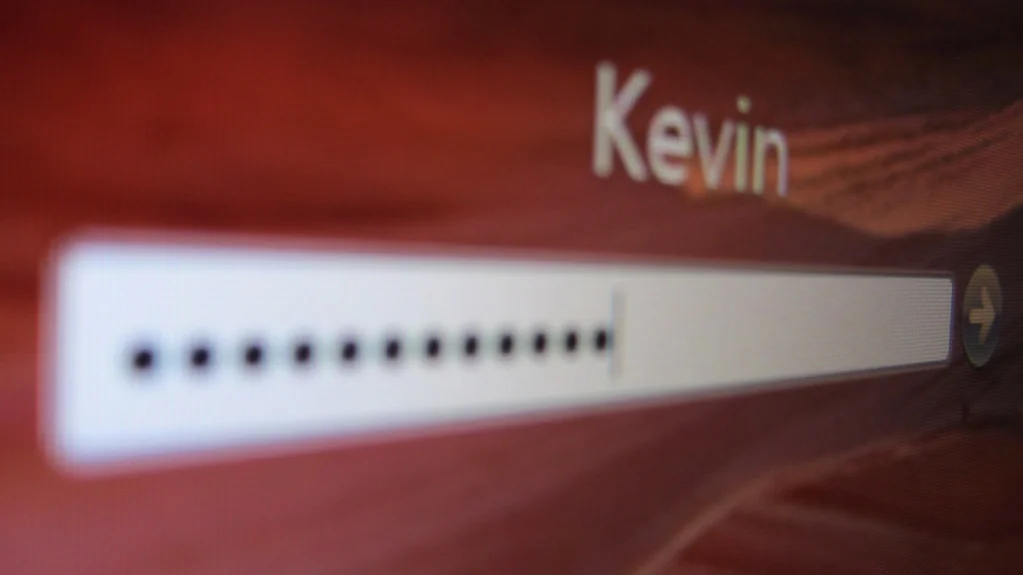
Katamereka Tools – A password manager is an app that creates, stores, and fills in a different strong password for every account, locked inside an encrypted vault you open with one master password. You remember one thing; it remembers the rest.
Here’s what actually happens inside one, what the company behind it can and can’t see, and the one mistake that can lock you out for good. The examples draw on guidance from the UK’s NCSC and Bitwarden’s published security white paper, checked October 27, 2026.

The Vault and the Master Password
Everything lives in a vault, which is just an encrypted file, and one master password unlocks it, per the Northern Ireland Cyber Security Centre‘s guide.
The manager also does the tedious parts. It generates long random passwords, fills them into login pages, and syncs them across your phone and computer.
That solves the real problem. Most people reuse passwords because remembering dozens of unique ones isn’t realistic, and reuse is what lets one breach spread to other accounts.
Encryption Happens on Your Device
Good password managers scramble your data before it ever leaves your phone or laptop.
Bitwarden, for example, says all encryption is done locally, with AES-256, and only the encrypted vault syncs to its servers. Its security white paper describes this as end-to-end encryption.
Your master password is turned into an encryption key through a slow mathematical process called key derivation. Bitwarden uses PBKDF2 with 600,000 rounds by default, or Argon2id if you choose it. The slowness is deliberate, because it makes guessing millions of master passwords far more expensive for an attacker.
What the Company Can and Can’t See
This setup is often called zero-knowledge, meaning the provider stores your vault but can’t read it.
| Bitwarden’s servers store | Bitwarden’s servers can’t access |
|---|---|
| The encrypted vault | Your master password |
| A hash of your master password | Your encryption keys |
| Account details like email and IP address | Your unencrypted passwords |
So even if those servers were breached, the thief would get scrambled data. Other managers make similar claims, so check each one’s security documentation rather than its marketing page.
Choose a Strong Master Password
The master password is the one password that has to be both strong and memorable.
The UK’s National Cyber Security Centre suggests joining three random words, like its example “applenemobiro.” Avoid birthdays, pet names, sports teams, and swaps like “0” for “o,” which criminals already try.
Then turn on two-factor sign-in for the password manager itself. The NI Cyber Security Centre lists two-factor support as a feature to look for when choosing one.
If You Forget the Master Password
This is the trade-off of zero-knowledge design.
Bitwarden says forgetting the master password locks you out of your account, unless emergency access or an organization’s account recovery was set up beforehand. It can’t reset it for you, because it never had it.
- Set up the manager’s emergency access feature, if it has one, with a trusted person.
- Write the master password down and store it somewhere physically safe. The NCSC says that’s acceptable.
- Keep recovery codes for the manager’s two-factor sign-in in the same safe place.
Say your phone breaks and you can’t remember the master password. Without those backups, the vault still exists, but nobody can open it.
Pick your three random words today, before you import a single password.
Komentar Ditutup! Anda tidak dapat mengirimkan komentar pada artikel ini.